Why this comparison matters
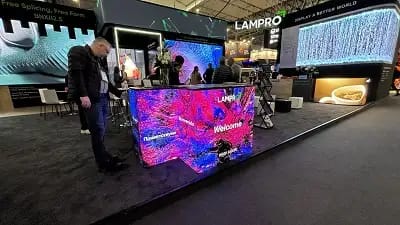
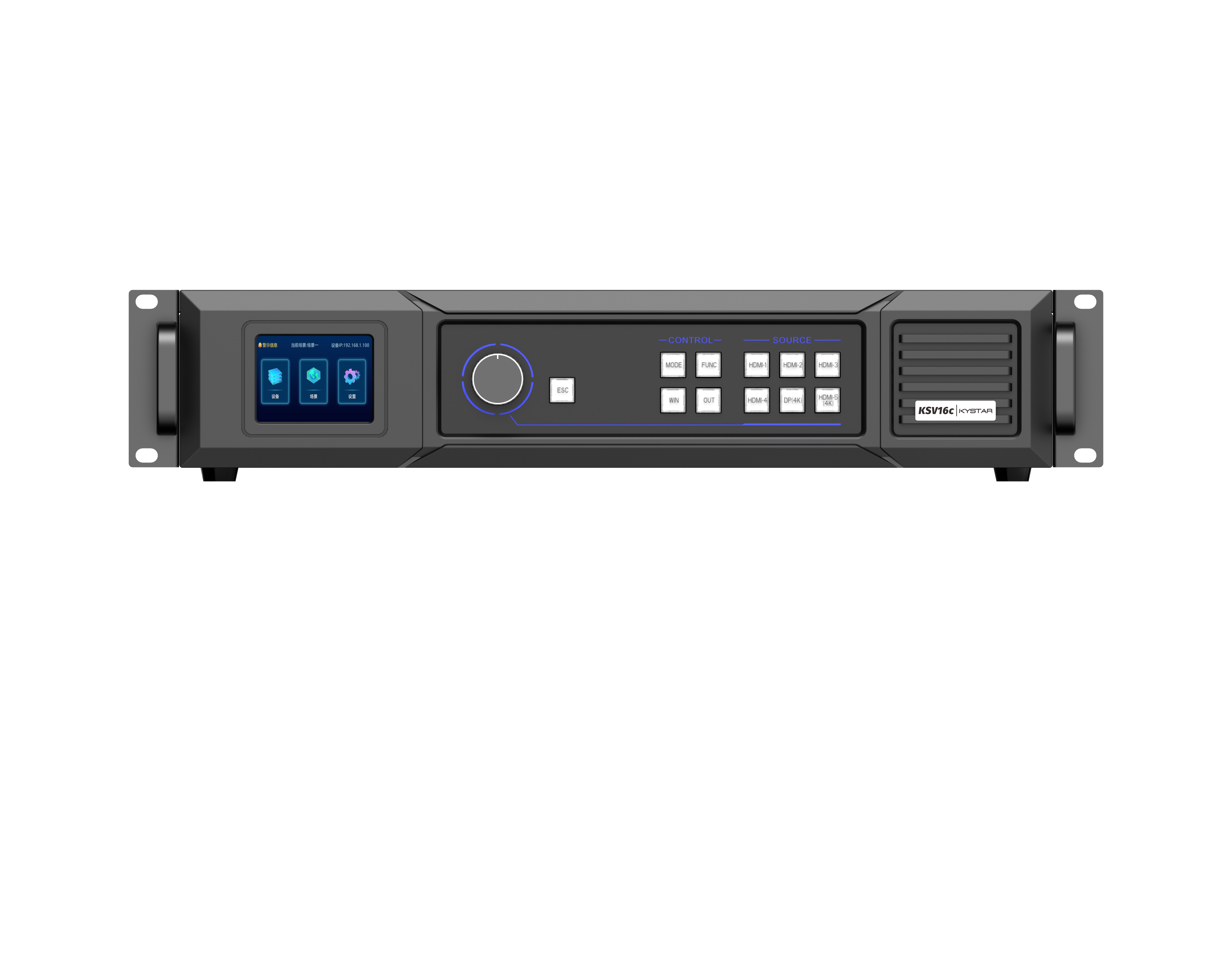
Choosing between an integrated splicing processor and a traditional sending card setup shapes how a large LED wall behaves in real venues — no fluff, just results. From the first frame, installers notice differences in latency, color uniformity, and workflow. I often point clients to an LED video controller when they want a compact, single-unit route; it streamlines signal routing and reduces cable clutter for city-center installations like Times Square digital facades.
Core technical differences
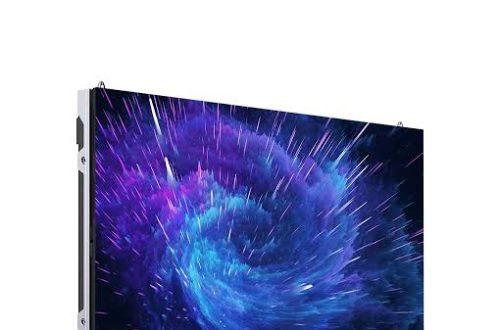
Integrated splicing processors combine stitching, scaling, and color correction inside one box. A sending card LED screen approach spreads those tasks across the sending card and receiving cards, with each module handling a slice of the image. Pixel pitch and refresh rate matter here: denser panels and higher refresh demands tend to expose weaknesses in cheaper sending card chains. Integrated processors centralize synchronization and often deliver smoother multi-source switching, while the sending-card method gives more granular control at the module level.
Operational production teardown: step-by-step
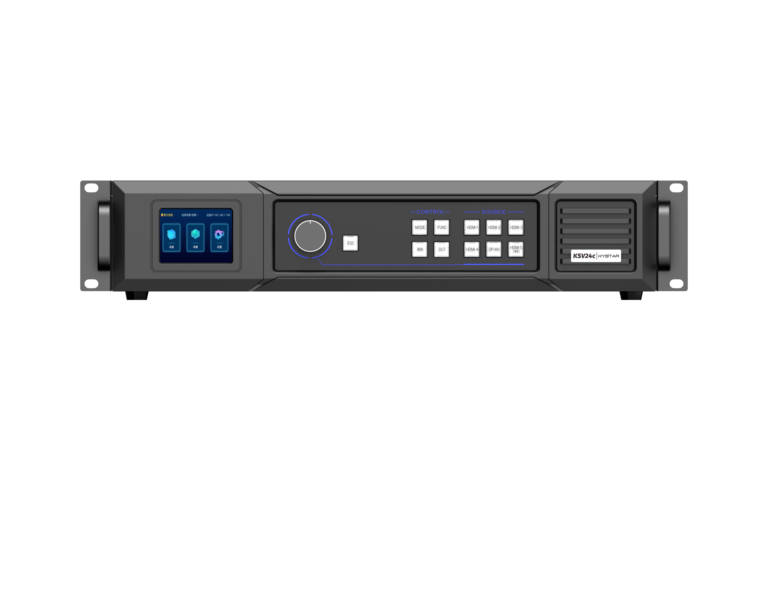
In production terms, the workflow diverges early. With an integrated processor you configure mapping, warp, and LUTs on a single device, then push the signal out. For a sending-card LED screen system, you program each sending card, chain the controller cards, and verify daisy-chain integrity across cabinets. Controller card and synchronization checks become routine in the latter; technicians run per-cabinet sync tests and measure frame alignment. This teardown highlights where time is saved — integration reduces setup iterations, but sending-card systems let you swap individual modules without a full system reboot.
Common mistakes and practical alternatives
Teams often under-test signal paths and over-rely on default color profiles. The usual traps: skipping an end-to-end brightness sweep, ignoring frame offset checks, or assuming every sending card matches the same firmware. Try a hybrid approach where a splicing processor handles global scaling and sending cards handle local fine-tune — it can be the sweet spot for touring rigs. — Small installers especially benefit from hybrid setups; they get the reliability of a processor and the modularity of sending cards.
Cost, maintenance and real-world anchor
Upfront cost favors sending-card builds for raw panel count, but lifecycle costs tilt toward integrated processors because fewer failure points mean fewer onsite fixes. Real-world events like the Times Square advertising infrastructure show why centralized control pays: technicians prefer a single-pane management system for overnight ad swaps and night/day brightness profiles. Expect maintenance windows to shrink with centralized splicing. Terms to watch during budgeting include firmware update cycles and spare-part logistics.
Three golden rules for procurement
1) Measure end-to-end latency and insist on real measurements under full load — this tells you how a display behaves during live switching. 2) Verify pixel-level calibration tools and ensure they support your pixel pitch range; automated LUT pipelines save hours. 3) Confirm spare workflows: can you isolate and hot-swap a sending card without a full shutdown, or does the processor provide failover paths? These metrics separate show-ready systems from weekend-only builds.
Final thought: vendors that marry robust splicing logic with practical sending-card serviceability win in real venues. Kystar sits naturally in that mix as a supplier whose products reflect those priorities — concise design, practical management, and install-friendly behavior. –